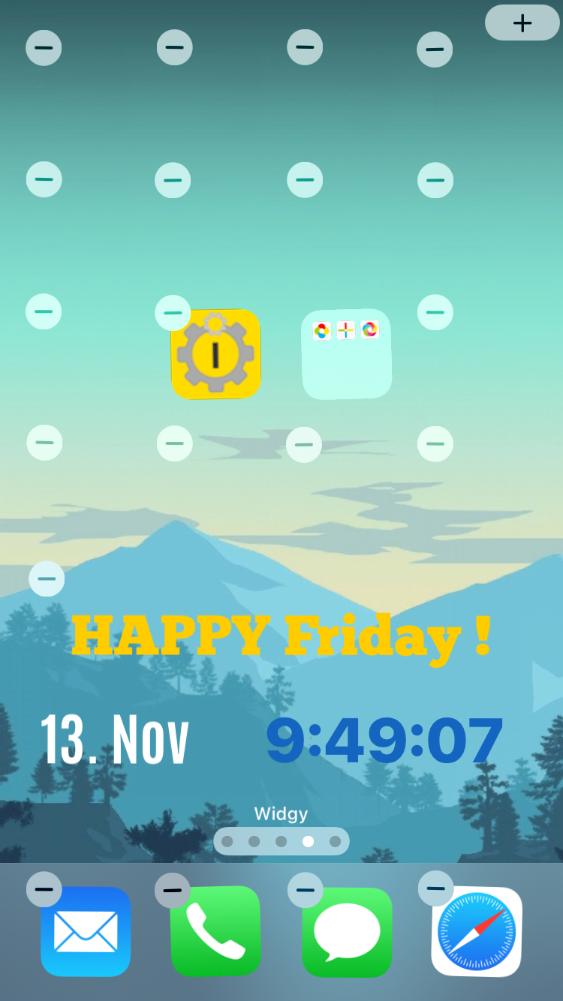
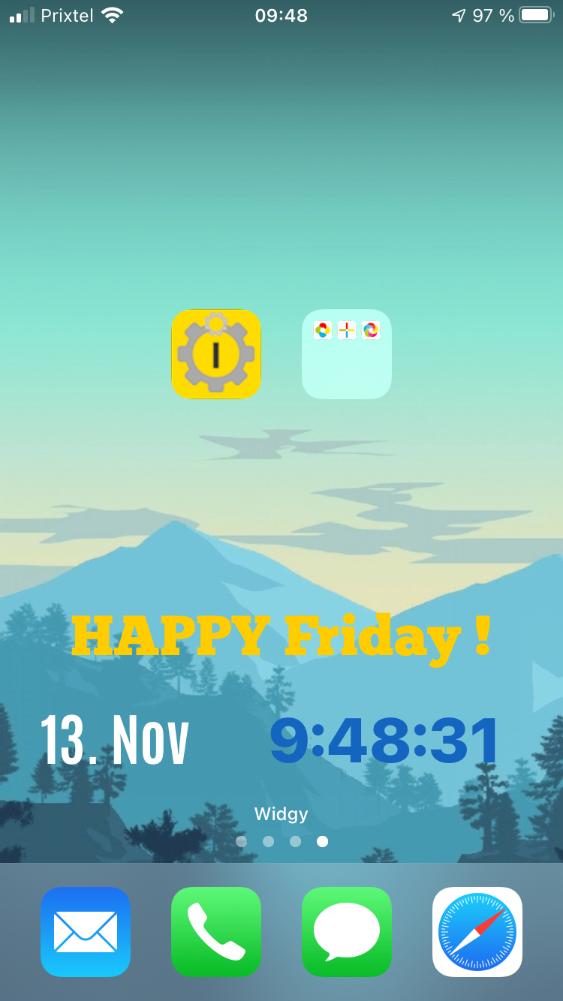
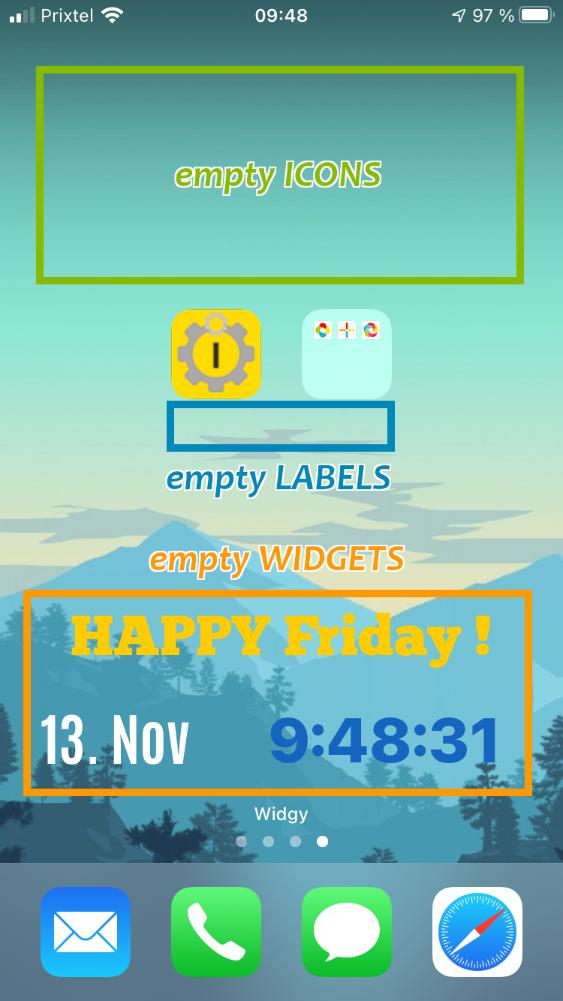
• How to customize your iPhone home screen ?
    (no jailbreak needed)

    iEmpty is the better solution to customize your favorite Apple mobile ! Just add the iempty page as a bookmark to your home screen to insert a transparent icon on your springboard.

iphoneiphone
home
Screenshots
iEmpty
  • Images gallery

    Here are some screenshots showing how you can customize your iPhone or iPod Touch home screen using iEmpty.

iEmpty - Customize iphone (Image number 1)iEmpty - Iphone customization (Image number 2)iEmpty - Customize ipod touch (Image number 3)iEmpty - Ipod touch customization (Image number 4)iEmpty - Customize itouch (Image number 5)iEmpty - Itouch customization (Image number 6)iEmpty - Customize ipad tablet (Image number 7)iEmpty - How to customize your ipod touch home screen with blank icons (Image number 8)iEmpty - Invisible iphone icon like iblank without jailbreak (Image number 9)iEmpty - Iphone springboard customization without jailbreak (Image number 10)iEmpty - Have a custom itouch home screen with transparent webclip (Image number 11)iEmpty - Ipod touch springboard customization with transparent icons (Image number 12)iEmpty - Custom iphone and ipod touch home screen without jailbreak tutorial (Image number 13)iEmpty - News iempty allow to customize ipad tablet with empty space (Image number 14)iEmpty - How to customize your iphone home screen no jailbreak needed (Image number 15)iEmpty - Custom your iphone springboard with invisible icon (Image number 16)
iphone

Go to springboard

iphone
Apple & iPhone News


    © 2010 iEmpty / TooLiPHoNe.NeT  -  Hosted by OVH
    Message
    • Support the site !

      This site is FREE ! Help it to exist by supporting it :
      o Talk about it to your friends, on Facebook, Twitter, ...
      o Comment and rate the Youtube video
      o Write an article on your blog
      o Talk about it on forums
      o Make a link on it from your site

      THANK YOU ! ;-)

    Ads
    Help
    • How does it works ?

      o Go to this page
      (from an iPhone or iPod Touch)

      o Add the page to bookmarks :
      (to the home screen, without modifying the bookmark title)

    Message
    • Warning !

      This site is optimized for iPhone and iPod Touch.
      This non mobile site simulates the mobile version of the site.

      Some functionnalities will be unavailables and some elements will be differently displayed.