• Video tutorials to set its iPhone apps icons on the home screen

    Here are tutorials videos to show you how to set your iOS (iPhone, iTouch & iPad) apps icons where you want on your home screen.

iphoneiphone iphone

Go to springboard

iphone
Apple & iPhone News

  • Apple?s App Store Marks Historic 50 Billionth Download

    Apple has announced that customers have now downloaded over 50 billion apps from the App Store. The 50 billionth app ? Say the Same Thing by Space Inc(...)


  • Ailing UK School Makes Dramatic Turnaround

    A new video profiles Essa Academy, a once struggling school in one of the most disadvantaged areas of England. New principal Showkat Badat has reinven(...)


  • Apple Is Tops When It Comes to Computer Tech Support

    According to the latest Consumer Reports reader survey, Apple tops the list of brand-name computer manufacturers for the quality of its tech support, (...)


  • Apple Worldwide Developers Conference to Kick Off June 10 in San Francisco

    Apple announced that it will hold its annual Worldwide Developers Conference (WWDC) June 10 through June 14 at San Francisco?s Moscone West. At the f(...)


  • Apple Reports Second Quarter Results

    Apple announced financial results for its fiscal 2013 second quarter ended March 30, 2013, posting revenue of $43.6 billion and quarterly net profit o(...)


  • The Macalope Weekly: Missed connections

    You can almost see the ?missed connection? personal ads these pundits would write: ?You: gullible reader, looking for more information about the t(...)


  • The Week in iPad Cases: Just keep swimming

    If you enjoyed this week's roundup of iPhone cases, check out last week?s edition, Opposites Attract. (...)


  • Remains of the Day: Shape up, ship out

    iOS devices are in the army now, Intel?s former CEO recounts his Apple misstep, and Apple?s got its work cut out for its WWDC keynote. The remain(...)


  • Review: HardShell Case coats Retina MacBook Pro in a candy-colored shell

    As sturdy as Apple?s MacBooks are, it?s a little depressing to pull your laptop out of your bag and discover a ding or scratch on the aluminum ca(...)


  • The Week in iOS Apps: Ode to joy!

    This week's roundup of new and updated iOS apps includes cool new offerings for music and movies, as well as a new storytelling form designed jus(...)


  • CW will be the first network to stream shows on Apple TV

    While it may not be a full-fledged HDTV, the Apple TV set-top box continues to expand its portfolio. According to a story first reported by Deadl(...)


  • The Week in iPhone Cases: Caped Crusader

    In this week?s edition of our iPhone-case roundup, you?ll find protection inspired by one of history?s darkest and most-loved superhero vigilante(...)


© 2010 iEmpty / TooLiPHoNe.NeT  -  Hosted by OVH
Message
  • Support the site !

    This site is FREE ! Help it to exist by supporting it :
    o Talk about it to your friends, on Facebook, Twitter, ...
    o Comment and rate the Youtube video
    o Write an article on your blog
    o Talk about it on forums
    o Make a link on it from your site

    THANK YOU ! ;-)

Ads
Screenshots
iEmpty - How to customize your iphone home screen no jailbreak needed (Image number 15) iEmpty - How to customize your ipod touch home screen with blank icons (Image number 8) iEmpty - Iphone springboard customization without jailbreak (Image number 10)
Help
  • How does it works ?

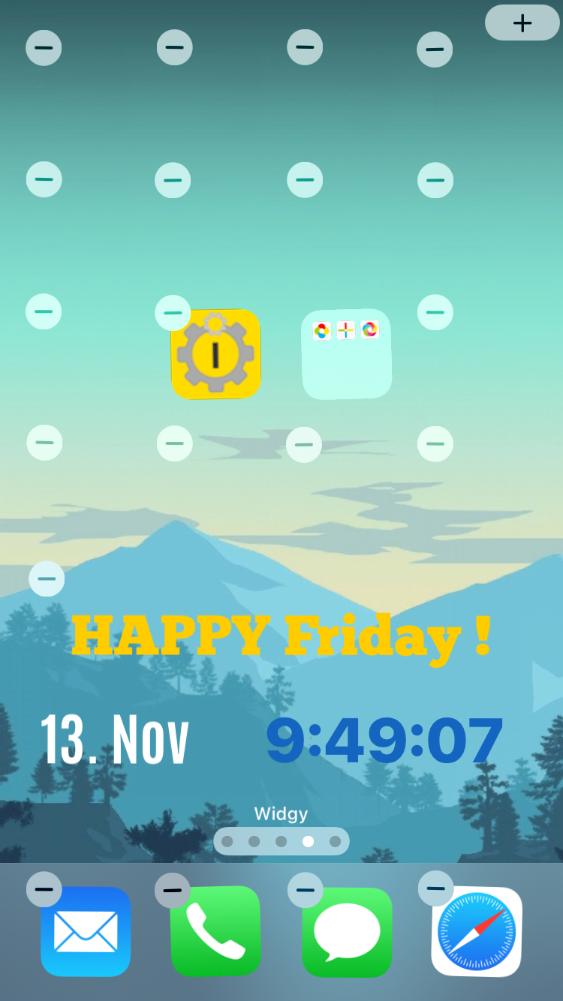
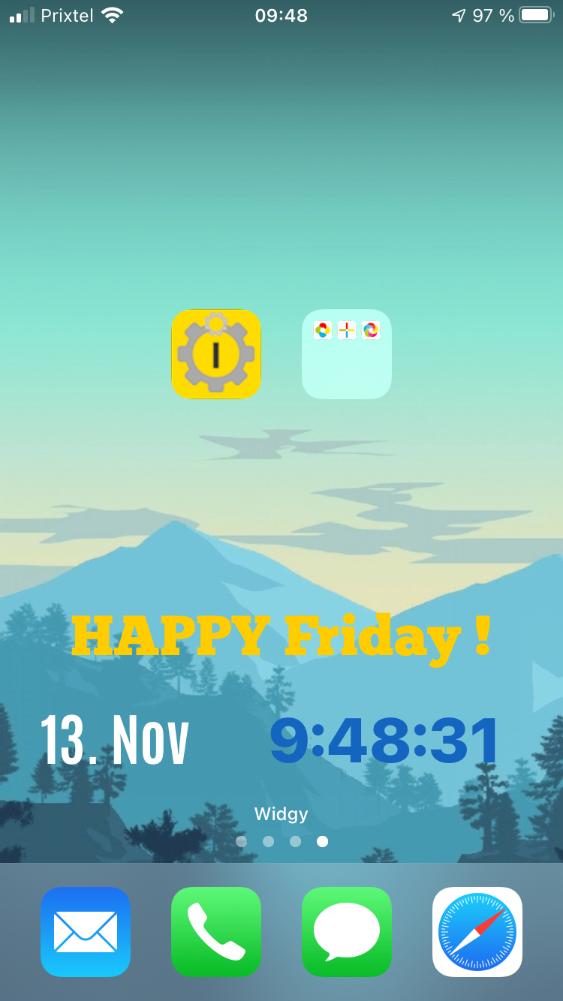
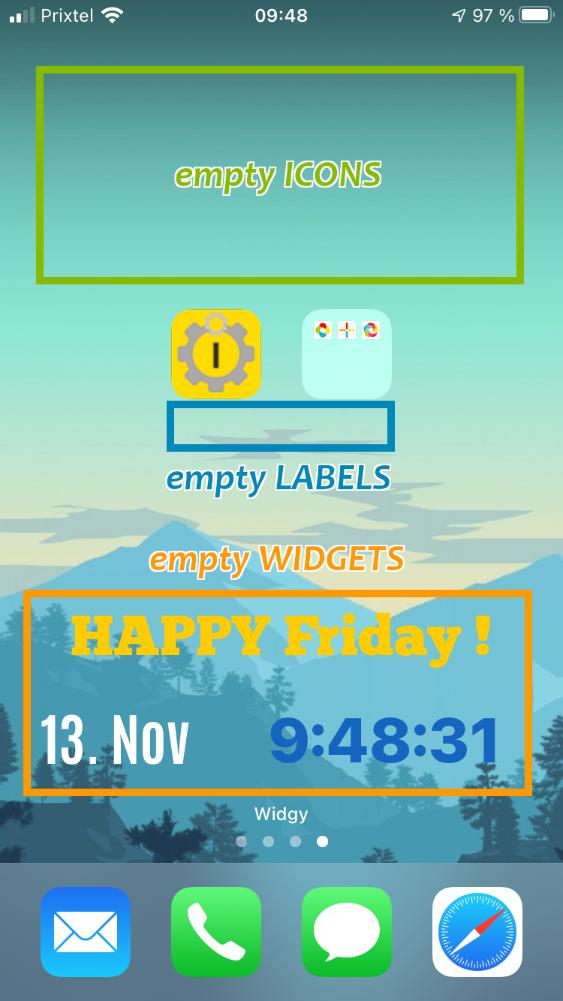
    iEmpty allows you to add "empty spaces" to your iPhone or iPod Touch home screen ("springboard"), by adding on it special Safari bookmarks (with an icon reproducing your home screen background, and without any text).

    ...So you can put your app icons where you want on your home screen, leaving "blank spaces" between them... wihtout the need to jailbreak your iPhone ! (for jailbroken devices, you can use "iBlank" or "GridLock" apps). Indeed, Apple doesn't allows this natively on iOS...

    You just have to go to this page (from an iDevice) and choose the icon type that best fit your needs. Then follow the instructions given on each page.
    You will finish to be on a "Add Icon" page showing the icon you are about to add. This is the page you have to bookmark on your home screen to add an empty space on it !

    For further details and help about the steps to perform, please read the contextual help sections integrated at the bottom of each page.

They talk about it...
  • From xsellize.com (EN)

    For NOT jailbreak (...) Make icons blank as iBlank on springboard ! (...)

Message
  • Warning !

    This site is optimized for iPhone and iPod Touch.
    This non mobile site simulates the mobile version of the site.

    Some functionnalities will be unavailables and some elements will be differently displayed.

Partenaires