• Customize your iPhone springboard with transparent icons !

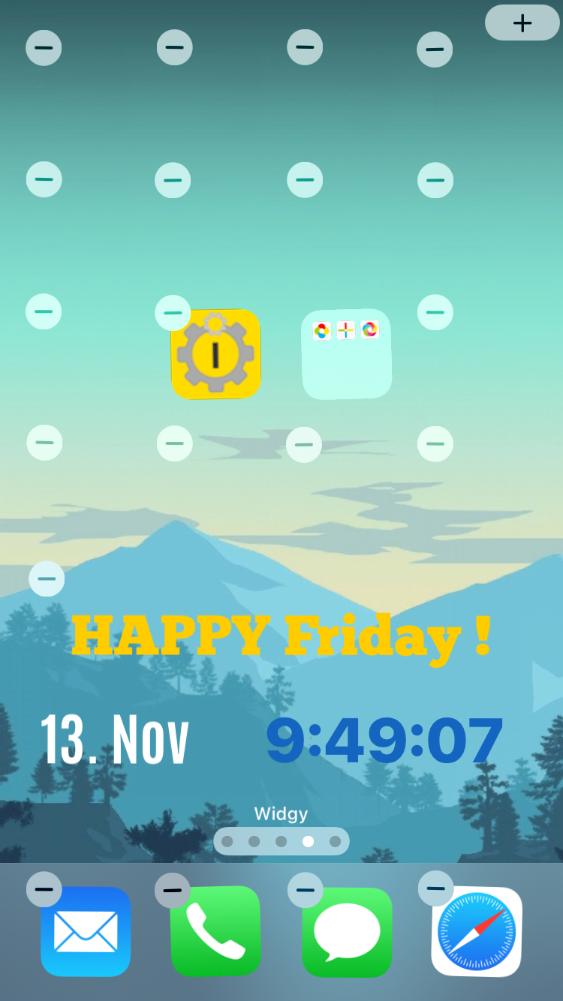
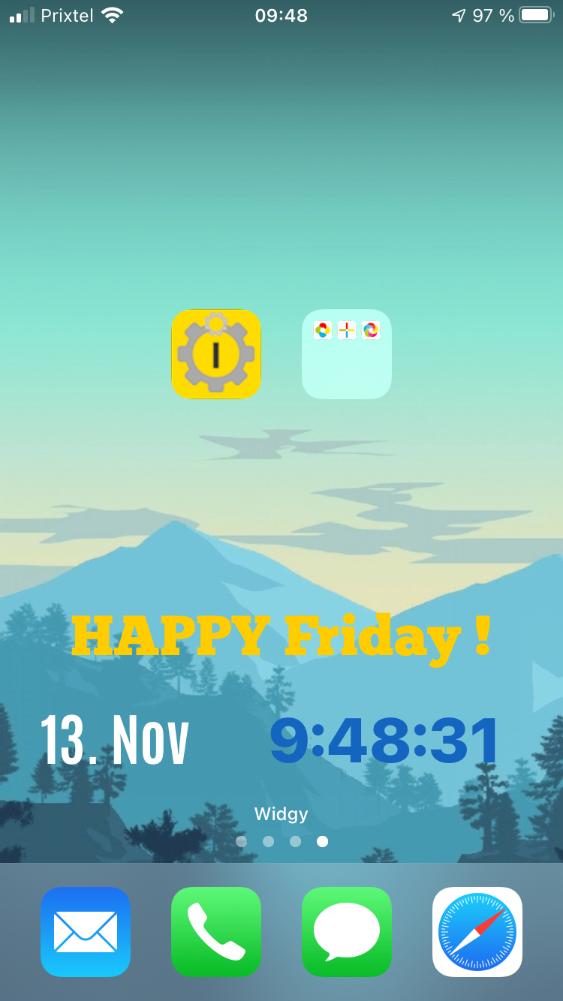
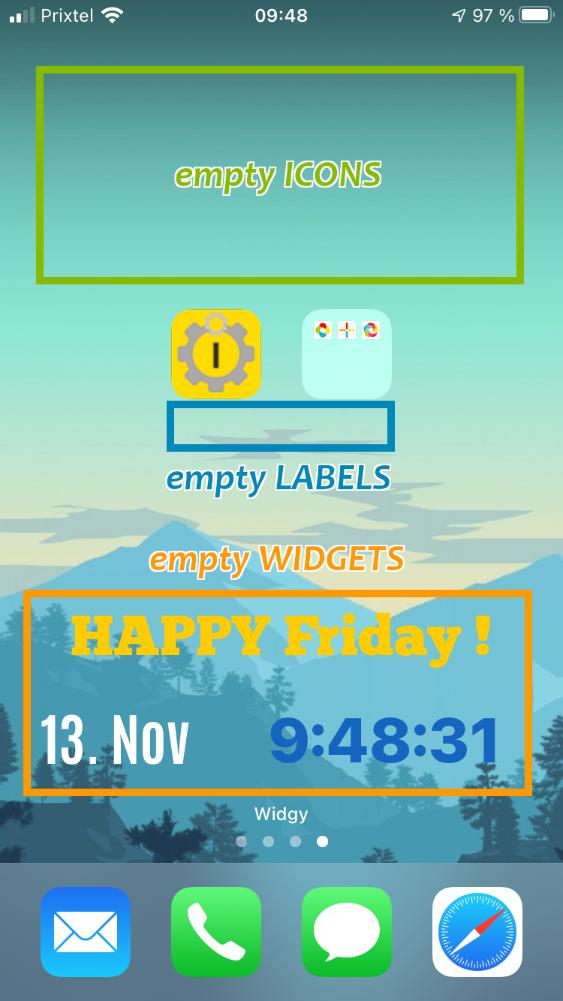
    iEmpty is a free website allowing to easily customize your iPhone or iPod Touch springboard with transparent icons between your applications icons.

iphoneiphone
  • iEmpty

    Customize your iPhone or iPod Touch screens (springboard) with empty spaces between your application icons.

    No app to install !
    No jailbreak needed !!
    Completely FREE !!!


  • TooLiPHoNe.NeT

    Dιcouvrez vite d'autres applications et utilitaires pour iPhone et smartphones sur la page d'accueil du portail TooLiPHoNe.NeT !


PreviewMore...
  • Share iEmpty !


iphone

Go to springboard

iphone
Apple & iPhone News

  • Apple?s App Store Marks Historic 50 Billionth Download

    Apple has announced that customers have now downloaded over 50 billion apps from the App Store. The 50 billionth app ? Say the Same Thing by Space Inc(...)


  • Ailing UK School Makes Dramatic Turnaround

    A new video profiles Essa Academy, a once struggling school in one of the most disadvantaged areas of England. New principal Showkat Badat has reinven(...)


  • Apple Is Tops When It Comes to Computer Tech Support

    According to the latest Consumer Reports reader survey, Apple tops the list of brand-name computer manufacturers for the quality of its tech support, (...)


  • Apple Worldwide Developers Conference to Kick Off June 10 in San Francisco

    Apple announced that it will hold its annual Worldwide Developers Conference (WWDC) June 10 through June 14 at San Francisco?s Moscone West. At the f(...)


  • Apple Reports Second Quarter Results

    Apple announced financial results for its fiscal 2013 second quarter ended March 30, 2013, posting revenue of $43.6 billion and quarterly net profit o(...)


  • Unlocking the Power of iPad for the Blind

    Bloomberg West profiles Ed Summers, who, as head of accessibility at international software company SAS, ?has made it his mission to help other visual(...)


  • Remains of the Day: Death and taxes

    Apple?s executives speak before congress, Ireland doesn?t think it has a taxation problem, and iOS 7 looks to share and share alike. The remainde(...)


  • Apple defends offshore decisions that result in low taxes

    Apple pays a fair share of the taxes it owes the U.S. and other nations, its CEO said Tuesday, despite criticism from U.S. senators that the comp(...)


  • Advice from an Apple Tech: When your Mac takes a fall

    If you?ve never heard that noise before, you?re bound to hear it someday: that amazing, dull crunch as your Mac slips out of your hands or off a (...)


  • The Macalope: Loose talk

    If you were wondering if ReadWrite had cleaned up its act since Dan Lyons left, fret not: Its Apple coverage is still as vapidly negative as it?s(...)


  • Remains of the Day: Face the music

    Sony and Apple are at loggerheads over streaming music, AT&T gets ready to open the floodgates on video chat over its network, and the head o(...)


© 2010 iEmpty / TooLiPHoNe.NeT  -  Hosted by OVH
Message
  • Support the site !

    This site is FREE ! Help it to exist by supporting it :
    o Talk about it to your friends, on Facebook, Twitter, ...
    o Comment and rate the Youtube video
    o Write an article on your blog
    o Talk about it on forums
    o Make a link on it from your site

    THANK YOU ! ;-)

Ads
Screenshots
iEmpty - How to customize your iphone home screen no jailbreak needed (Image number 15) iEmpty - How to customize your ipod touch home screen with blank icons (Image number 8) iEmpty - Custom iphone and ipod touch home screen without jailbreak tutorial (Image number 13)
Help
  • How does it works ?

    iEmpty allows you to add "empty spaces" to your iPhone or iPod Touch home screen ("springboard"), by adding on it special Safari bookmarks (with an icon reproducing your home screen background, and without any text).

    ...So you can put your app icons where you want on your home screen, leaving "blank spaces" between them... wihtout the need to jailbreak your iPhone ! (for jailbroken devices, you can use "iBlank" or "GridLock" apps). Indeed, Apple doesn't allows this natively on iOS...

    You just have to go to this page (from an iDevice) and choose the icon type that best fit your needs. Then follow the instructions given on each page.
    You will finish to be on a "Add Icon" page showing the icon you are about to add. This is the page you have to bookmark on your home screen to add an empty space on it !

    For further details and help about the steps to perform, please read the contextual help sections integrated at the bottom of each page.

They talk about it...
  • From xsellize.com (EN)

    For NOT jailbreak (...) Make icons blank as iBlank on springboard ! (...)

Message
  • Warning !

    This site is optimized for iPhone and iPod Touch.
    This non mobile site simulates the mobile version of the site.

    Some functionnalities will be unavailables and some elements will be differently displayed.

Partenaires