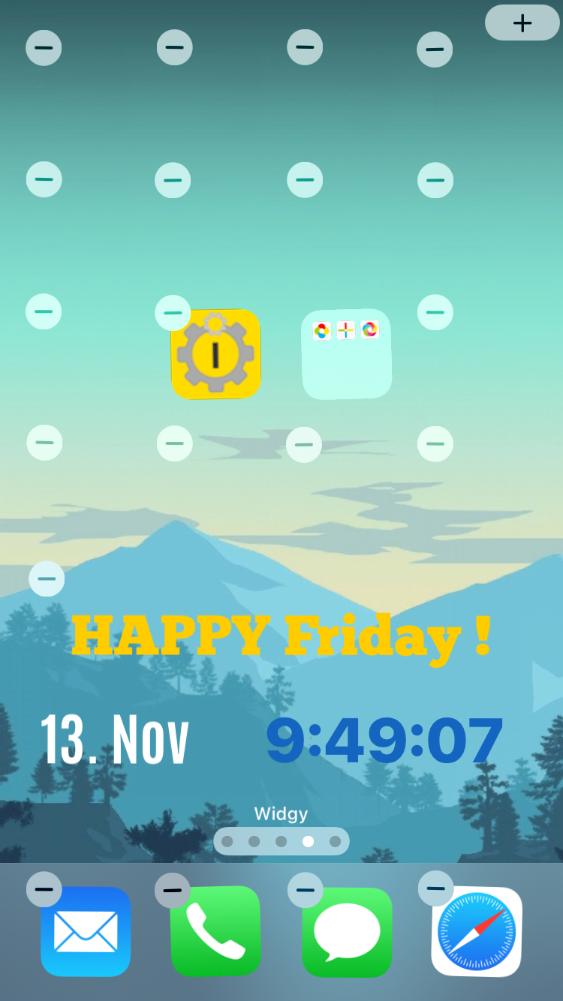
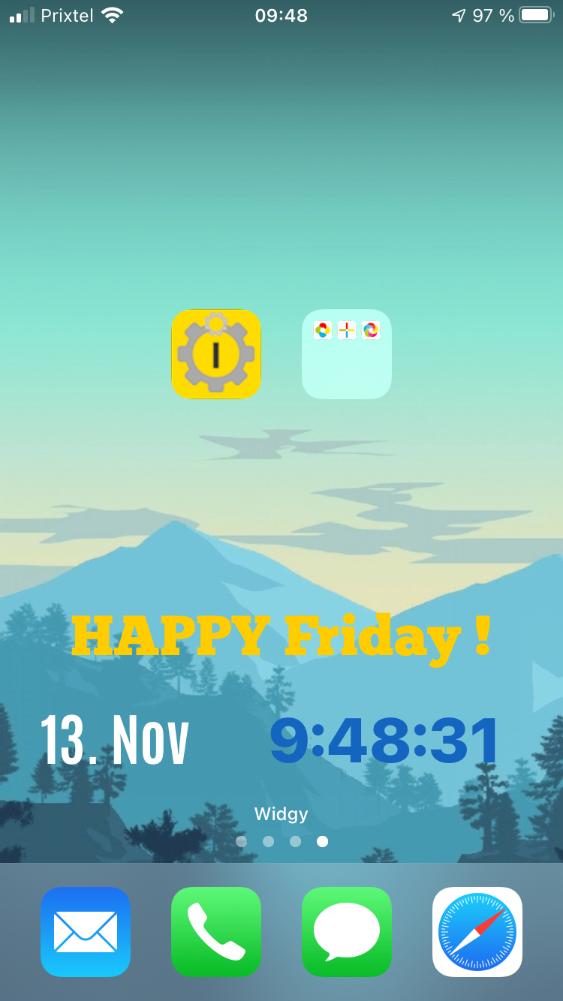
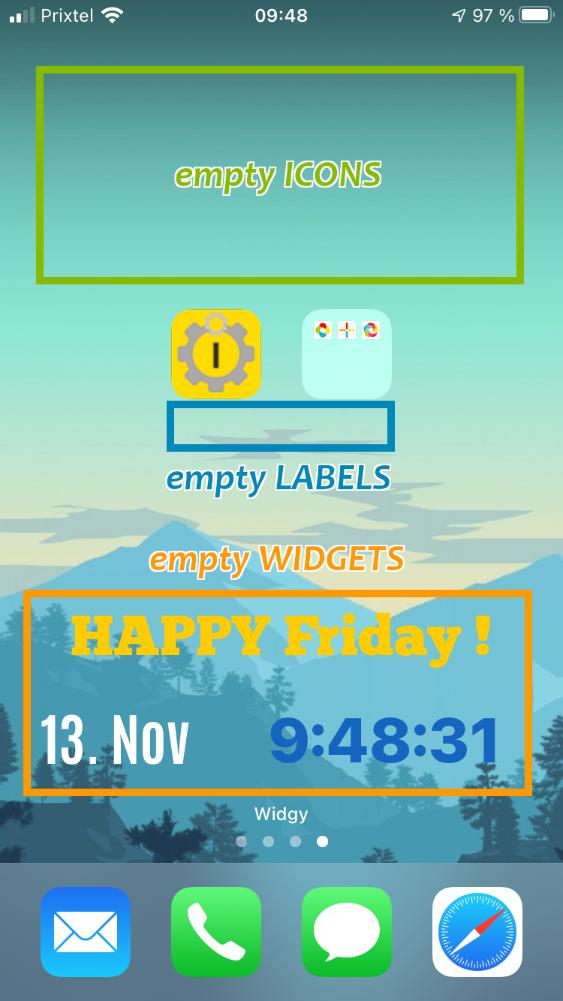
• Customize your iPhone or iPod Touch screens with empty spaces between your applications icons !

    iEmpty is an application that permit to customize your iPhone or iPod Touch screens with empty spaces between your applications icons.

iphoneiphone
Choose a modeHelp
  • ?See help...
  • Choose a mode

    Depending on the place where the icon will be on your screen, choose the corresponding mode :

    TRANSPARENT Mode
    Add a transparent icon on your home screen (will be turned into black by iOS).
    Perfect to set on a black background.

    FOLDER Mode
    Add an almost invisible icon into an applications folder (iOS 4 or above).
    The icon will closely reproduce the folder background. It will be a little visible on the bottom because of the shadow added by iOS...

    CUSTOM Mode
    Add an almost invisible icon on your home screen (iOS 4 or above).
    The icon will closely reproduce your wallpaper background. It will be a little visible on the bottom because of the shadow added by iOS...

    ---
    Still have questions or problems ? You can also read the iEmpty's main help page

  • Share iEmpty !


iphone

Go to springboard

iphone
Apple & iPhone News

  • Apple?s App Store Marks Historic 50 Billionth Download

    Apple has announced that customers have now downloaded over 50 billion apps from the App Store. The 50 billionth app ? Say the Same Thing by Space Inc(...)


  • Ailing UK School Makes Dramatic Turnaround

    A new video profiles Essa Academy, a once struggling school in one of the most disadvantaged areas of England. New principal Showkat Badat has reinven(...)


  • Apple Is Tops When It Comes to Computer Tech Support

    According to the latest Consumer Reports reader survey, Apple tops the list of brand-name computer manufacturers for the quality of its tech support, (...)


  • Apple Worldwide Developers Conference to Kick Off June 10 in San Francisco

    Apple announced that it will hold its annual Worldwide Developers Conference (WWDC) June 10 through June 14 at San Francisco?s Moscone West. At the f(...)


  • Apple Reports Second Quarter Results

    Apple announced financial results for its fiscal 2013 second quarter ended March 30, 2013, posting revenue of $43.6 billion and quarterly net profit o(...)


  • Unlocking the Power of iPad for the Blind

    Bloomberg West profiles Ed Summers, who, as head of accessibility at international software company SAS, ?has made it his mission to help other visual(...)


  • Apple Takes Laptop Magazine?s Top Rating

    Laptop Magazine has awarded Apple the top prize in its Best Brands feature for the fourth year in a row, placing first in five of the eight categorie(...)


  • Can the iPad Rescue a Struggling American Education System?

    Across the United States, teachers are using iPad and other tablets to reinvent the presentation and management of educational material. According to (...)


  • Apple Launches iBookstore in Japan

    Apple has announced the launch of the iBookstore in Japan. The iBookstore has a wide selection of emerging and established authors, including Shyotaro(...)


  • Creating New Possibilities in the Classroom with iPad

    With an eye toward helping students navigate the digital world, Burlington High School outside Boston adopted the iPad one-to-one program, which provi(...)


  • The Macalope Weekly: Business time

    That?s right, it?s business time! And by that the Macalope sadly means trying to figure out why business folks never get Apple. Sorry for any con(...)


  • The Week in iPad Cases: Golden slumbers

    If you enjoyed this week's roundup of iPad cases, check out last week's edition, Just Keep Swimming. (...)


  • The Week in iOS Apps: Music all around you!

    Like music? Like making it? Discovering new artists? Figuring out who the heck is singing that song on the TV commercial? We?ve got you covered i(...)


  • Horace Dediu's four questions for Tim Cook

    The ever sharp tech analyst has four incisive questions for the Apple CEO ahead of Cook's appearance at next week's D11 conference. (asymco.com)(...)


  • Bugs & Fixes: iTunes 11.0.3 update improves app updating

    Along with the usual bug fixes and performance improvements, the recently updated iTunes 11.0.3 introduces several interface tweaks. For my money(...)


  • Review: Battle with comic legends in Injustice: Gods Among Us for iOS

    Comic book characters have so far struggled to score a smash hit on a mobile platform, with few titles proving worthy of the Marvel and DC Comics(...)


  • Mac Gems: Eye-Friendly is a handy resolution switcher for Retina MacBooks

    Jφrg Jacobsen?s $5 Eye-Friendly (Mac App Store link) is the third resolution-switching utility for the Retina MacBook Pro that I?ve looked at, af(...)


  • Why many Apple TVs are better than one

    My first Apple TV quickly established itself as an essential addition to my home media setup. I used it primarily to send music from my Mac?s iTu(...)


  • How fast is USB 3.0 really?

    As a Mac user, I?ve never been a big fan of USB for storage. Keyboards, mice, sure. But a hard drive connected via USB has always been slow compa(...)


  • Remains of the Day: Don't panic

    If you were worried Apple might not have a keynote at WWDC this year, you can finally relax. But don?t get too relaxed: Comixology?s pulling cont(...)


© 2010 iEmpty / TooLiPHoNe.NeT  -  Hosted by OVH
Message
  • Support the site !

    This site is FREE ! Help it to exist by supporting it :
    o Talk about it to your friends, on Facebook, Twitter, ...
    o Comment and rate the Youtube video
    o Write an article on your blog
    o Talk about it on forums
    o Make a link on it from your site

    THANK YOU ! ;-)

Ads
Screenshots
iEmpty - Iphone springboard customization without jailbreak (Image number 10) iEmpty - Have a custom itouch home screen with transparent webclip (Image number 11) iEmpty - Custom your iphone springboard with invisible icon (Image number 16)
Help
  • How does it works ?

    iEmpty allows you to add "empty spaces" to your iPhone or iPod Touch home screen ("springboard"), by adding on it special Safari bookmarks (with an icon reproducing your home screen background, and without any text).

    ...So you can put your app icons where you want on your home screen, leaving "blank spaces" between them... wihtout the need to jailbreak your iPhone ! (for jailbroken devices, you can use "iBlank" or "GridLock" apps). Indeed, Apple doesn't allows this natively on iOS...

    You just have to go to this page (from an iDevice) and choose the icon type that best fit your needs. Then follow the instructions given on each page.
    You will finish to be on a "Add Icon" page showing the icon you are about to add. This is the page you have to bookmark on your home screen to add an empty space on it !

    For further details and help about the steps to perform, please read the contextual help sections integrated at the bottom of each page.

They talk about it...
  • From xsellize.com (EN)

    For NOT jailbreak (...) Make icons blank as iBlank on springboard ! (...)

Message
  • Warning !

    This site is optimized for iPhone and iPod Touch.
    This non mobile site simulates the mobile version of the site.

    Some functionnalities will be unavailables and some elements will be differently displayed.

Partenaires